Human resources and team capacity
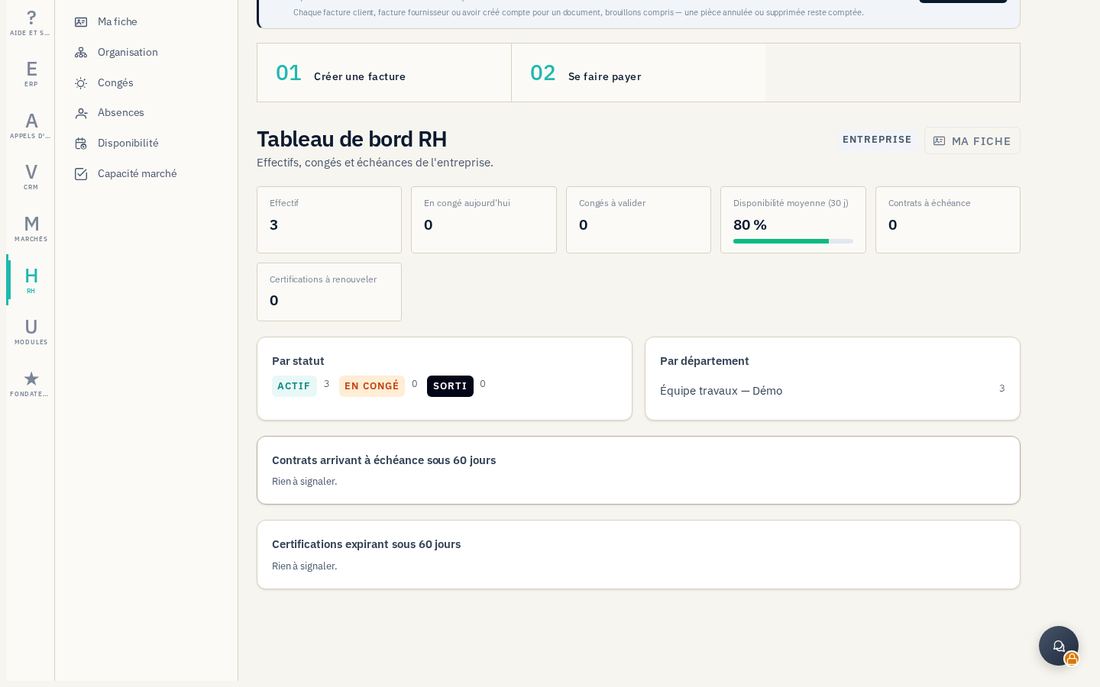
The RH (HR) module brings together employee records, leave, skills and assignments. It lets you track team availability and check the staffing needed for a contract.
14.1 Build employee records and protect documents
In RH → Employés (/rh/employes), an authorized HR profile creates and completes employee records. Tabs bring together contracts, documents, skills, certifications, qualifications, experience, leave and assignments. Enter validity dates and the company's actual organization so calculations use current information.
For Ajouter un document, select the file and its visibility: HR only, HR and manager, or HR, manager and employee. The displayed limit is 10 MB. Check that choice before Envoyer. Ma fiche (/rh/moi) requires the user to be linked to an employee record; it does not grant access to all HR information.
14.2 Request and approve leave
- In Congés, the employee chooses Demander un congé, specifies the type, dates and relevant note, then Envoyer la demande. An authorized administrator can also use Saisir une demande.
- Track the status in Mes demandes. The manager reviews À valider, checks dates and balances, then Approuver or Refuser. Managers cannot approve their own requests; some configured leave types allow automatic approval, indicated on screen.
- Administrators monitor Soldes, Types de congé and Absences according to their permissions. Accrued, taken, pending and available values depend on configuration and recorded information.
14.3 Check availability for a contract
In Disponibilité (/rh/disponibilite), select a period, then Calculer. Review the effect of non-working days, leave and existing assignments. In Capacité marché (/rh/capacite), choose a contract or a standalone period, specify required skills, levels, certifications and headcounts, then Vérifier la capacité.
The result distinguishes covered, partly covered and uncovered needs, and proposes matching employees. Check evidence and actual availability before committing the team. To record participation in the contract, complete its Affectation, period and percentage. This function does not process payroll or certify qualifications.